The real estate website checklist:28 things to check
By Saad Ali · 4 November 2026 · 8 min read
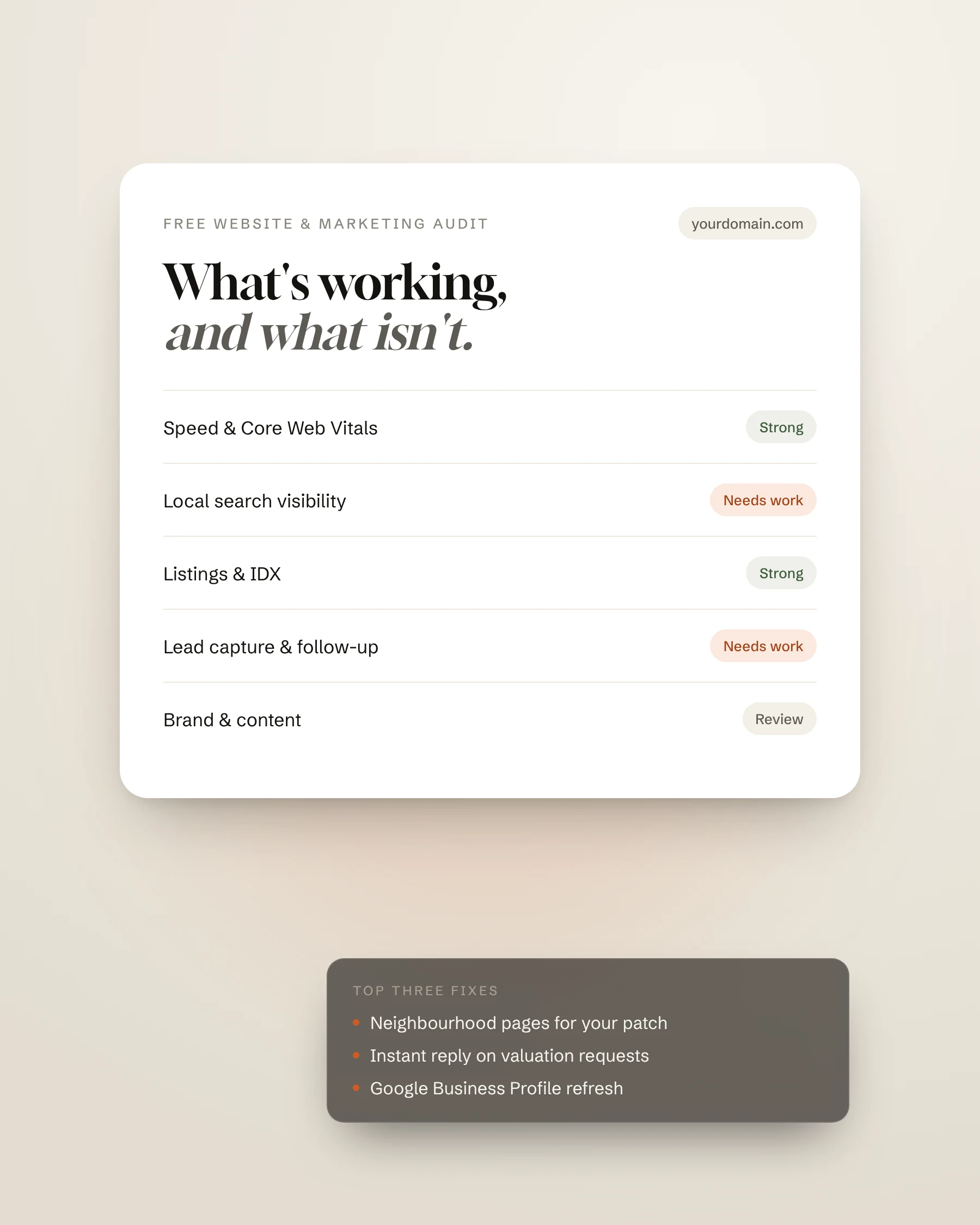
A practical checklist for agent and brokerage websites: the search, lead capture and mobile checks that decide whether your site wins listings, and how to test yours free.
Most real estate websites don't fail because they look bad. They fail because of a handful of small, fixable gaps: no reason for a seller to get in touch, a phone number you can't tap, a home page Google can't make sense of, or a hero image that takes six seconds to load on a phone. This is the checklist we use to review agent and brokerage websites, in three parts.
You can work through it by hand, or run your site through our free website scanner, which checks all 28 points automatically, including Google's own mobile speed test, in under a minute.
Part 1: Search visibility
Can Google find your site, understand what you do and where, and show it to the right people?
- Secure connection (HTTPS). Browsers warn visitors on insecure pages, and Google prefers secure ones.
- A page title of 50–60 characters with your name, what you do and your area, such as "Luxury Homes in Malibu | Jane Smith".
- A meta description of 140–160 characters that gives searchers a reason to click.
- One clear main heading (H1) that says who you help and where.
- No accidental noindex tag or robots.txt rule telling Google to ignore the site. It happens more often than you'd think after a redesign.
- A canonical URL on every page, so duplicate listing pages don't compete with each other.
- An XML sitemap, submitted in Google Search Console.
- A robots.txt file that points to the sitemap.
- RealEstateAgent structured data with your name, office, phone and area served.
- A social sharing image, so links posted on WhatsApp, LinkedIn or Facebook show a proper preview.
- Descriptions (alt text) on property and area photos.
- Neighbourhood and area pages. These are the pages that rank for "homes for sale in…" searches. See why IDX alone won't rank your site.
Part 2: Lead capture
Once someone lands on your site, do they have a reason and an easy way to get in touch?
- An enquiry form on the home page. Most visitors won't go looking for a contact page.
- A tap-to-call phone number in the header, so one tap on a phone starts the call.
- An email address or a clear contact page linked from every page.
- A seller offer, such as "What's my home worth?". Sellers are the most valuable leads in real estate, and this is the page that captures them.
- Featured listings or a property search. Buyers judge an agent by the homes on the site.
- Real client reviews or testimonials, close to the contact form.
- One clear call to action used across the site, like "Book a selling strategy call".
- WhatsApp, text or live chat for buyers, especially international ones, who prefer messaging to forms.
- Links to the social profiles where your listings and videos live.
Part 3: Mobile experience
Most property browsing happens on a phone, and Google ranks sites on how they perform there. These checks use Google's own Core Web Vitals targets.
- A good score on Google PageSpeed Insights for mobile.
- Main content that appears within 2.5 seconds (Largest Contentful Paint), Google's threshold for a good experience.
- A layout that stays still while loading (Cumulative Layout Shift under 0.1), so visitors don't tap the wrong thing.
- Accessibility basics: readable contrast, labelled buttons and form fields, and described images.
- A responsive layout set up for mobile screens.
- A reasonable page weight. Oversized photos and background videos are the usual problem.
- A fast server response, helped by good hosting, caching and a CDN.
A beautiful site that hides the phone number and loads slowly on a phone is a brochure, not a business tool.
What to fix first
If your site misses several of these, don't try to fix everything at once. Start with what costs you business directly: anything stopping Google from indexing the site, the missing seller offer, the enquiry form and a slow mobile load. Then work through search structure and content, which take longer to pay off but compound over time.
If the list is long, it may be cheaper to rebuild than to patch. Our website cost guide explains what each route costs, and our real estate website design service shows how we build sites that pass every check on this list.
Check your site in under a minute
Our free website scanner runs every check above, including Google's mobile speed test, and shows your score out of 100 with the fixes that matter most. Your score shows instantly, no email needed.
Common questions
- What should a real estate website have?
- At minimum: a clear page title and heading for your area, a home page enquiry form, a tap-to-call phone number, a seller valuation offer, listings or property search, client reviews, neighbourhood pages and a fast, mobile-friendly design. The full 28-point list is above.
- How fast should a real estate website load?
- Google's Core Web Vitals treat a Largest Contentful Paint of 2.5 seconds or less as good. That's the moment the main content, usually the hero image, appears on screen.
- How can I check my real estate website for free?
- Run it through our free website scanner. It checks search visibility, lead capture and mobile experience, runs Google's PageSpeed test, and gives you a score out of 100 with the top fixes.
- Why is my real estate website not getting leads?
- The most common reasons are no seller offer, no form on the home page, a phone number that isn't tappable on mobile, slow loading on phones and no reviews near the contact options. Each one is on this checklist.
Sources
Free website scanner
See how your own site scores.
28 real estate checks and Google's mobile speed test, in under a minute.